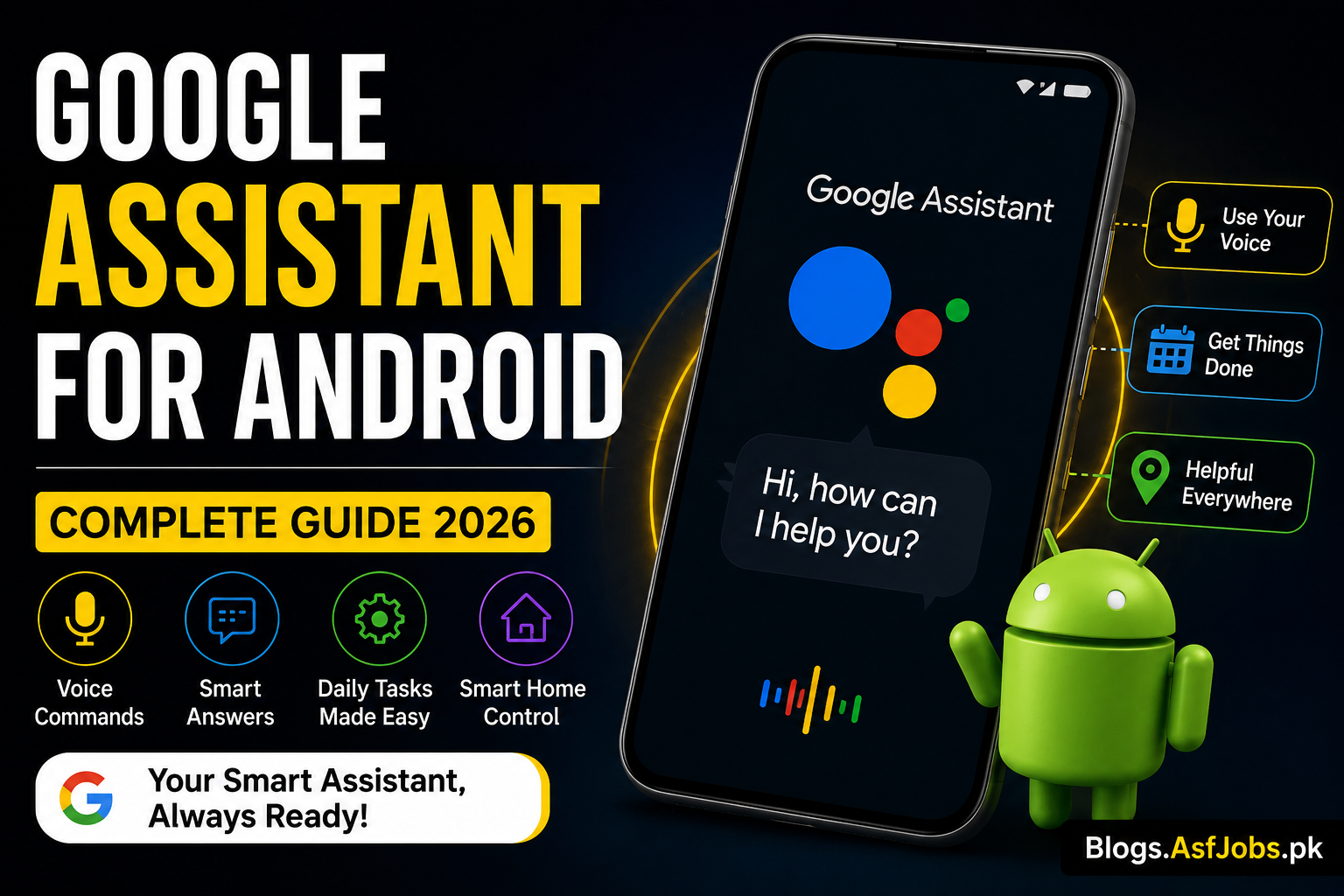
Smartphones have become an essential part of everyday life, helping people communicate, work, study, shop, and stay organized. As mobile technology continues to evolve, users expect faster and smarter ways to interact with their devices. One of the most useful innovations introduced by Google is Google Assistant for Android, an AI-powered virtual assistant designed to simplify daily tasks using natural voice commands. Instead of navigating through multiple menus or typing long queries, users can simply speak to their phone and receive instant assistance. Whether you want to set reminders, make phone calls, send messages, check the weather, control smart home devices, or search the internet, Google Assistant can complete these tasks within seconds. This hands-free experience saves time and makes Android smartphones much more convenient to use.
What Is Google Assistant?
Google Assistant is Google’s intelligent virtual assistant that uses artificial intelligence and voice recognition technology to understand user commands and provide accurate responses. It was developed to replace the older Google Now service and has since become one of the most powerful digital assistants available on Android devices. Unlike a traditional search engine, Google Assistant can hold natural conversations, understand follow-up questions, and perform multiple actions without requiring users to manually operate their smartphones.
The assistant is deeply integrated into the Android operating system, allowing it to interact with apps, system settings, contacts, calendars, navigation, and many third-party services. This integration makes it far more useful than a simple voice search tool because it can perform real actions instead of only displaying search results.
Key Features
One of the biggest strengths of Google Assistant is its versatility. Users can ask it to send text messages, make voice calls, create calendar events, open applications, play music, translate languages, calculate numbers, or provide real-time traffic updates. It can also answer general knowledge questions, read the latest news headlines, and even help with recipes while cooking.
Another impressive feature is smart home integration. If you own compatible smart devices such as lights, security cameras, smart speakers, or thermostats, Google Assistant allows you to control them using simple voice commands. This creates a more connected and convenient home environment without needing to open multiple applications.
Why Android Users Prefer It
Millions of Android users rely on Google Assistant because it improves productivity and reduces the time required to complete everyday tasks. Students can quickly create reminders for assignments, professionals can schedule meetings without interrupting their workflow, and travelers can receive navigation assistance without taking their hands off the steering wheel. The assistant also supports multiple languages and continues to improve through regular updates powered by Google’s artificial intelligence technologies.
As Android smartphones become more capable each year, Google Assistant continues to evolve by offering better voice recognition, faster responses, and more personalized suggestions based on user preferences. These improvements make it one of the most valuable built-in features available on modern Android devices.
How to Set Up Google Assistant on Android
Getting started with Google Assistant is simple. Most modern Android smartphones come with the feature pre-installed. Open the Google app, tap your profile picture, go to Settings, select Google Assistant, and follow the on-screen instructions to complete the voice setup. During this process, you can train the assistant to recognize your voice for more accurate responses. Once activated, you can launch it by saying “Hey Google” (if enabled), long-pressing the power button on supported devices, or tapping the assistant icon.
For the best experience, keep your phone updated with the latest Android version and Google app updates. This ensures you receive new features, security improvements, and better voice recognition performance.
Tips to Get the Best Experience
To make the most of Google Assistant for Android, personalize your settings according to your daily routine. You can create custom routines that perform multiple actions with a single command. For example, a morning routine can display the weather, today’s calendar events, traffic updates, and the latest news in just a few seconds.
You can also connect compatible smart home devices, making it easy to control lights, televisions, speakers, and other supported products through voice commands. If privacy is important to you, regularly review your voice activity and permissions from your Google Account settings to manage the information stored by the assistant.
Common Questions
Does every Android phone support Google Assistant?
Most Android smartphones running recent versions of Android support Google Assistant. However, older devices or phones with limited hardware may not include all features.
Can Google Assistant work without the internet?
Some basic functions, such as opening certain apps or controlling a few device settings, may work offline. However, features like web searches, live weather updates, translations, and online information require an internet connection.
Is Google Assistant safe to use?
Google provides privacy controls that allow users to review, manage, and delete voice activity. Users can also adjust permissions to control how the assistant accesses personal information and connected services.
Final Thoughts
Google Assistant has become one of the most practical features available on Android smartphones. From managing schedules and answering questions to controlling smart devices and improving productivity, it helps users complete everyday tasks more efficiently. By exploring its settings, creating personalized routines, and keeping your device updated, you can unlock even more useful capabilities. Whether you are using your phone for work, study, travel, or entertainment, Google Assistant can make your Android experience faster, smarter, and more convenient.
Download App